


Hiding your last seen and online status
Last seen and online status can be limited from the same Privacy screen as your other settings.
- Open Settings, then Privacy.
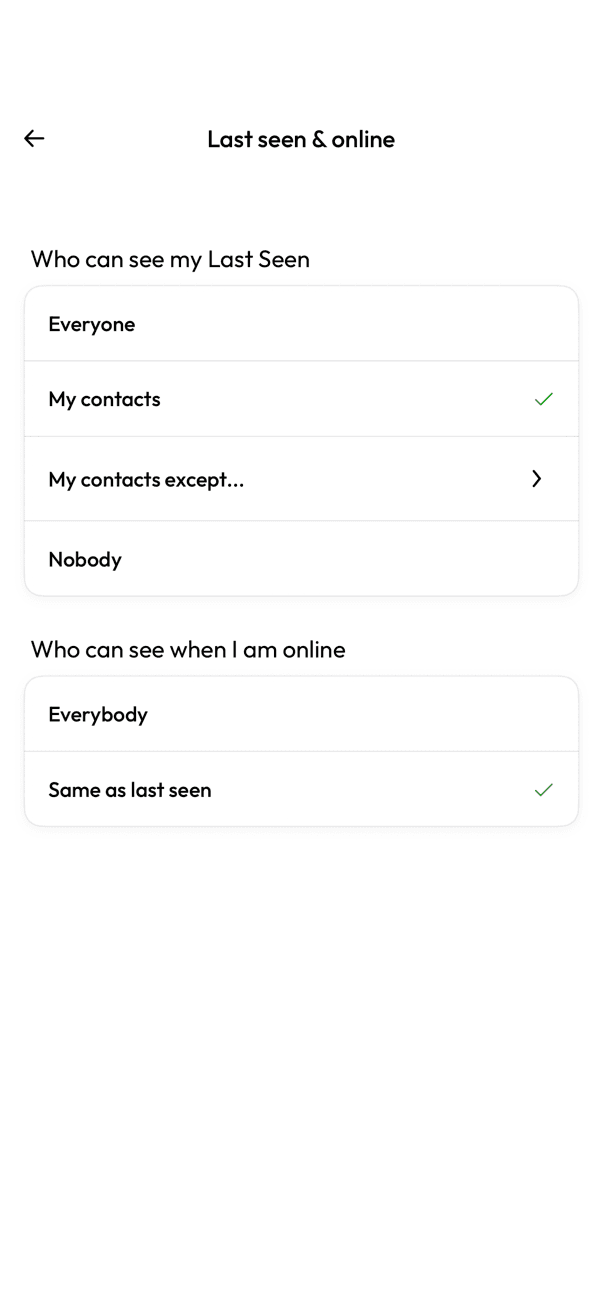
- Tap Last seen & online.
- Under Who can see my Last Seen, choose Everyone, My contacts, My contacts except, or Nobody.
- Under Who can see when I am online, choose Everybody or Same as last seen.
This works both ways: hiding your last seen from other people also hides theirs from you.
Related articles
Was this article helpful?