


Replying, forwarding, and reacting
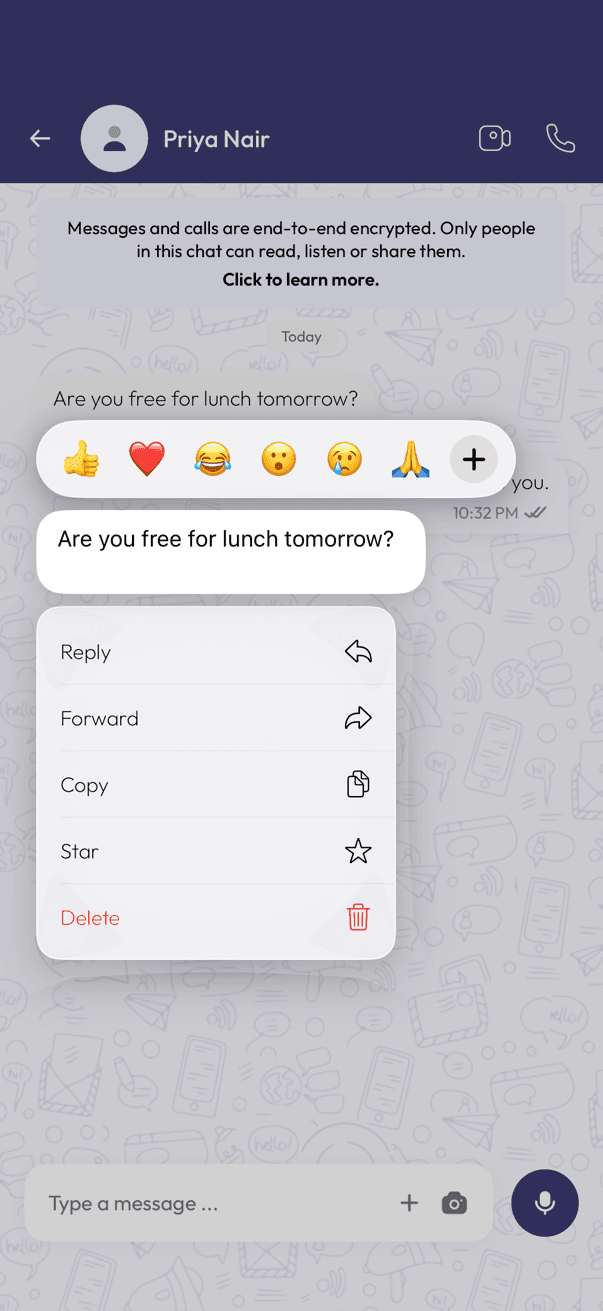
Long-press any message to see what you can do with it.
React
Long-press the message and tap an emoji in the row above it, or tap + for more choices. Everyone in the chat can see who reacted.
Reply
Long-press the message and tap Reply. Your answer quotes the original above it, which keeps busy group chats readable.
Forward
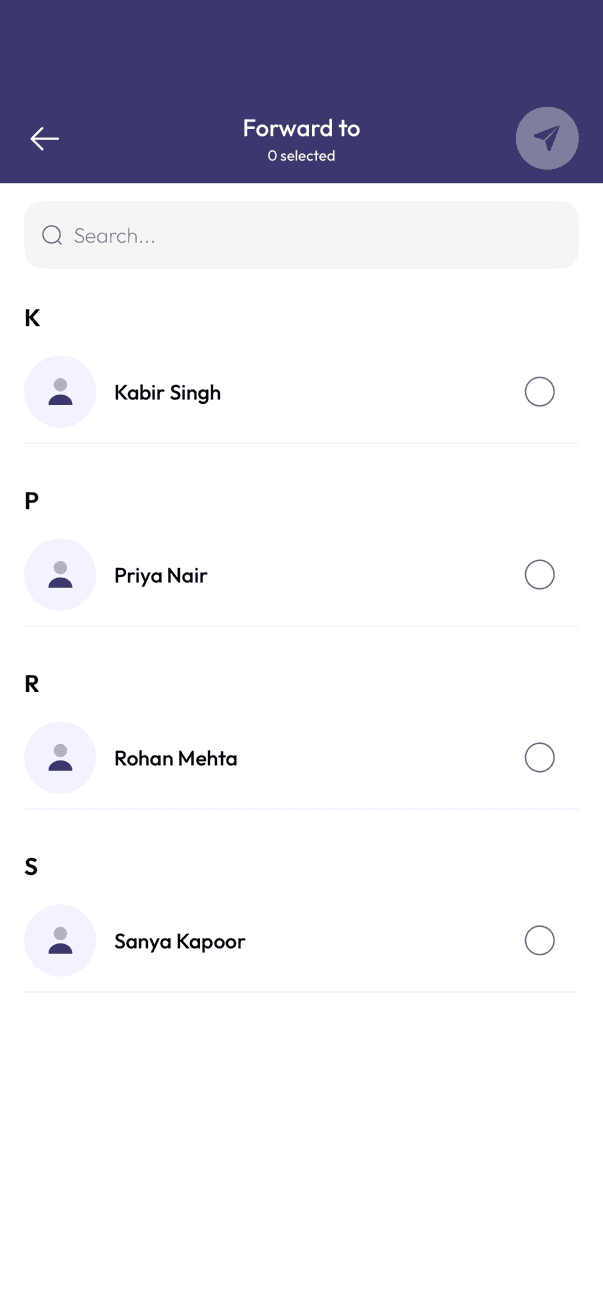
Long-press the message and tap Forward. Choose the chat you want to send it to and tap the send button. The recipient sees it marked as forwarded.
The same menu also has Copy and Star, and Delete for messages you sent.
Related articles
Was this article helpful?