


Importing your contacts
InfoPhone checks your phone’s address book to work out which of your contacts already use the app. It does not upload your address book anywhere else.
How it works
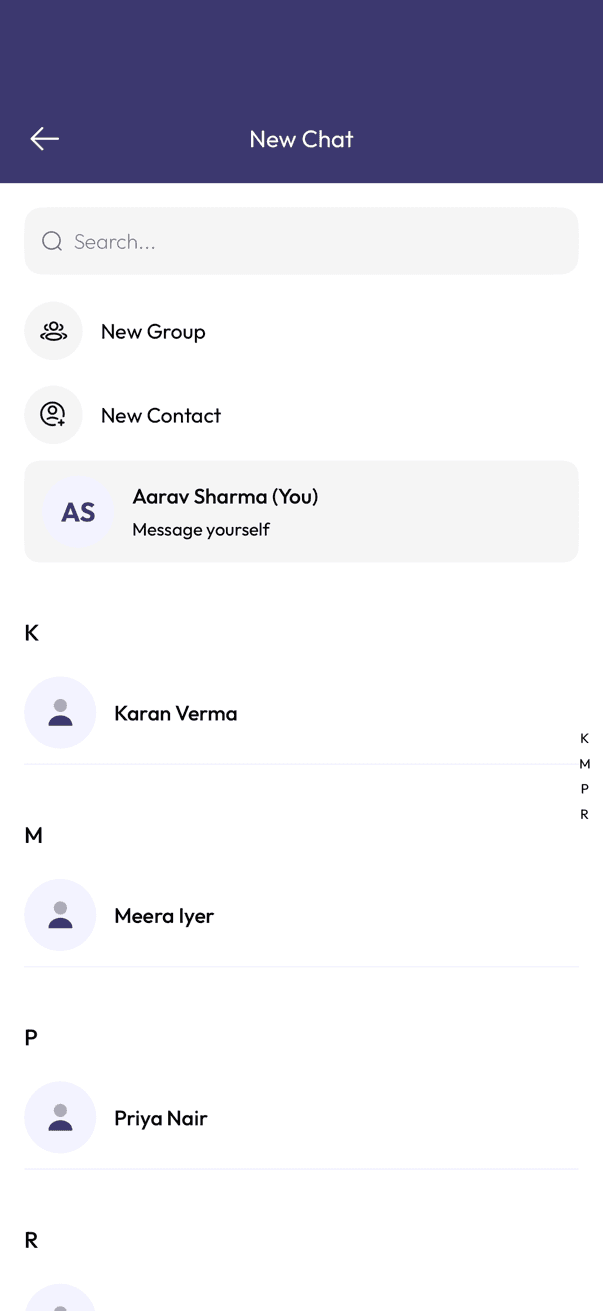
Once you grant contacts permission, InfoPhone matches your saved numbers against people with an account. A match shows up under New Chat — you do not add them by hand.
If someone is missing
- Their number has to be saved in your phone with the country code.
- They have to have finished setting up InfoPhone themselves.
- Fix or add the contact in your phone, then reopen New Chat — InfoPhone picks up the change on the next sync.
Related articles
Was this article helpful?