


Linking InfoPhone Web to your phone
InfoPhone Web mirrors the chats on your phone. Your phone stays the account holder.
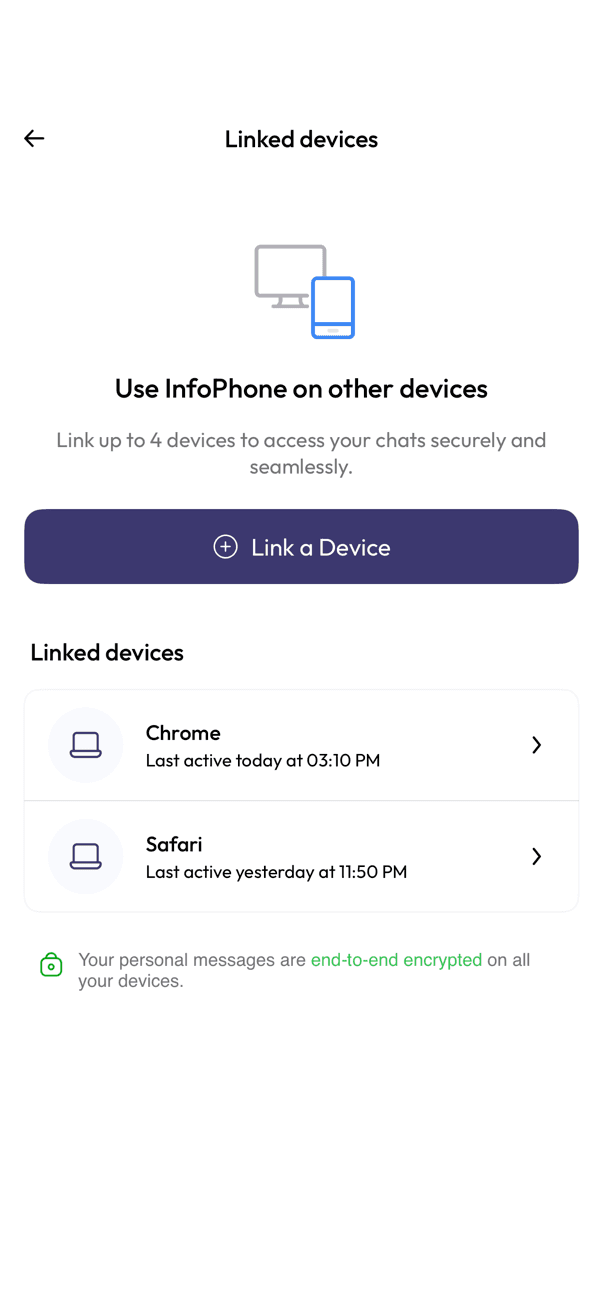
- Open InfoPhone Web in a browser on your computer.
- On your phone, open Settings, then Linked devices.
- Tap Link a Device.
- Scan the code shown in your browser with your phone.
Good to know
- You can link up to 4 devices at once.
- Keep your phone connected to the internet — the web client follows it.
- Your personal messages stay end-to-end encrypted on every linked device.
- Anyone with access to that computer can read your chats. Sign out when you are done on a shared machine.
Related articles
Was this article helpful?