


InfoPhone logo
HomeAbout usFAQ
Login/ Signup
Get it on Google PlayDownload on the App Store
InfoPhone logo

Connect. Call. Communicate.Anywhere, Anytime.

Quick Links

  • Home
  • About us
  • Help Centre
  • FAQ's

Features

  • Group Chats
  • Send Reactions
  • Personalised Profiles
  • Share Seamlessly

Also available on

  • Get it on Google Play
  • Download on the App Store

© Enso Webworks Private Limited 2026. All Rights Reserved.

  • About Us
  • Privacy Policy
  • Terms & Conditions
  • Legal & User Agreement
  • Community Guidelines
  • FAQs
Help Centre/Settings/Theme and appearance

Theme and appearance

InfoPhone supports a light and a dark appearance that you choose directly — it does not follow your phone’s own light/dark schedule.
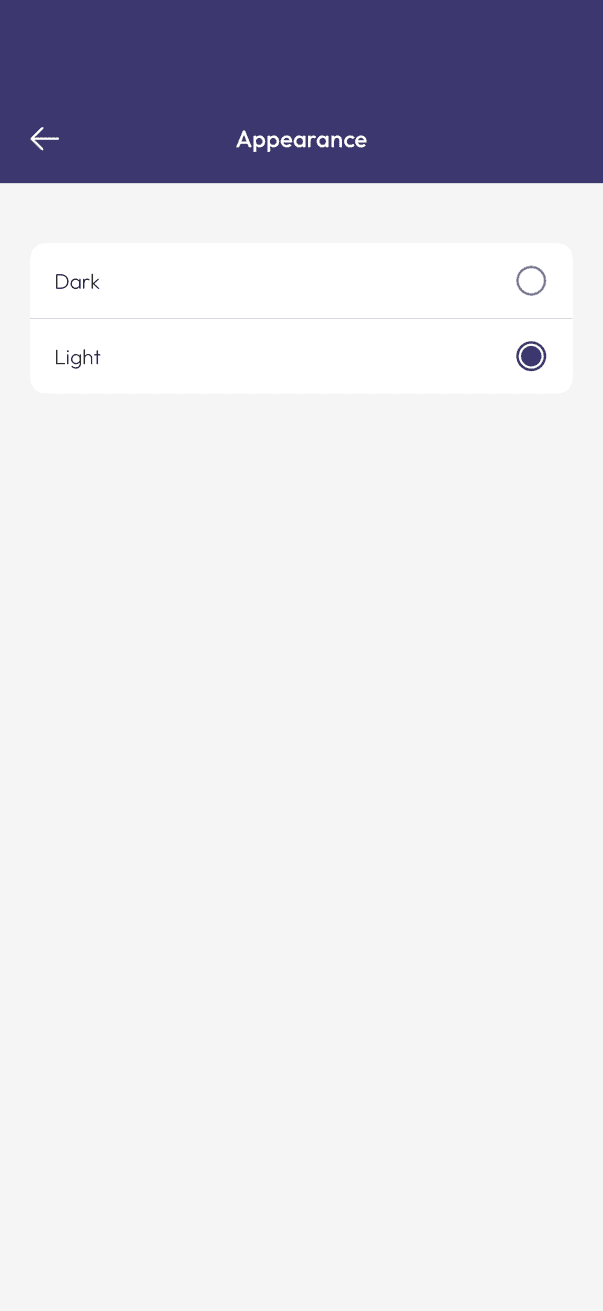
InfoPhone Appearance screen with Dark and Light options
Choose Dark or Light

Change the appearance

  1. Open Settings, then tap Appearance.
  2. Choose Dark or Light.

InfoPhone applies your choice right away, and it stays until you change it again here.

Related articles

  • Chat settings and wallpaper
  • Language and region

Was this article helpful?

On this page

  • Change the appearance

Was this article helpful?