


Work mode and business hours
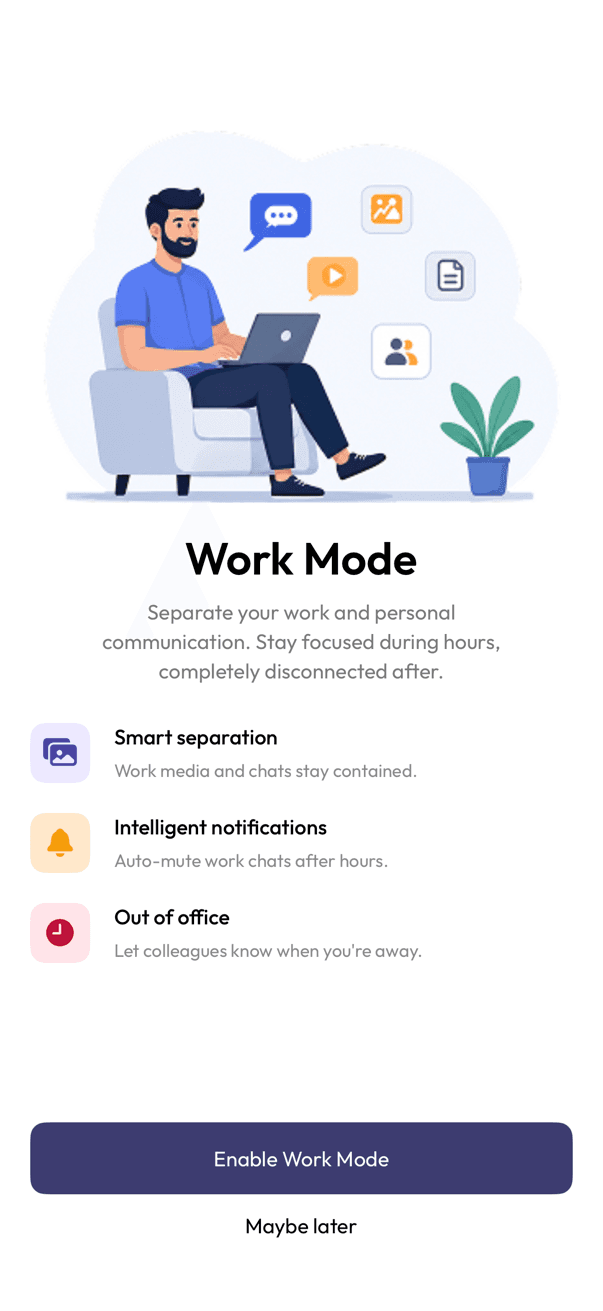
Work mode separates your work chats from personal ones, and keeps them quiet outside the hours you set.
Turn it on
- Open the Work mode tab.
- Tap Enable Work Mode.
Set your hours
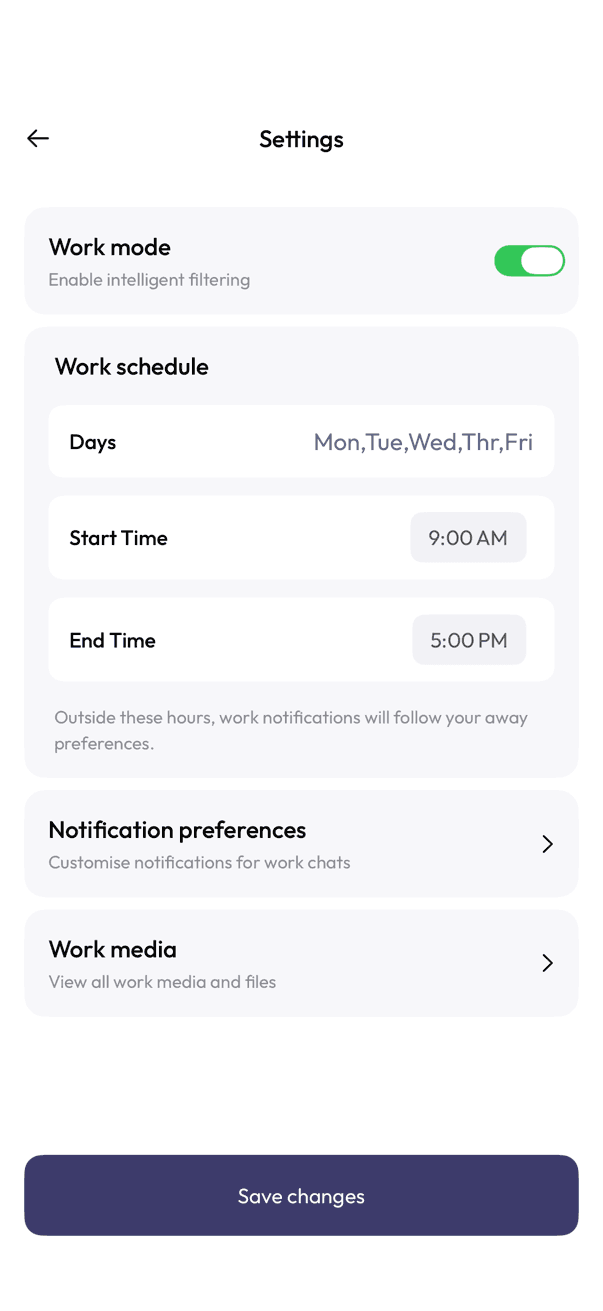
- Turn on Work mode.
- Under Work schedule, choose your Days, Start Time, and End Time.
- Tap Save changes.
Outside those hours, work notifications follow your away preferences instead of alerting you straight away.
More from the same screen
- Notification preferences — customise notifications for work chats.
- Work media — see everything shared during work hours.
Related articles
Was this article helpful?