


Restoring InfoPhone from a backup
If you had a backup turned on, you can bring your chats to a new phone while you are setting it up.
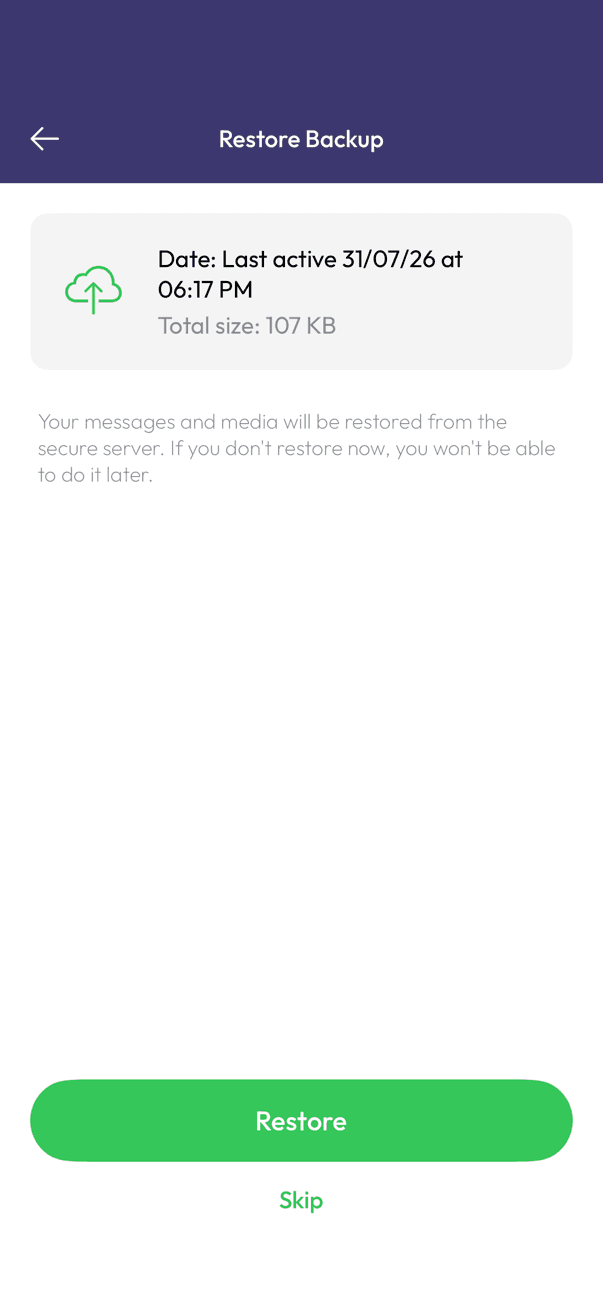
Restore during setup
- Install InfoPhone on the new phone.
- Verify the same phone number the backup was made with.
- On the Restore Backup screen, check the date and size, then tap Restore, and stay on Wi-Fi until it finishes.
- Tap Skip instead if you would rather start fresh.
Worth knowing
- The offer only appears during setup. Skipping it means starting fresh — you cannot come back to it later.
- A backup can only be restored onto the same phone number it was made with.
- Restored contacts come back as temporary until your phone’s address book confirms them again.
Was this article helpful?